
AppSublime
All Articles
-

Passkeys in Practice: Set Up Sign-In and a Recovery Plan
Learn where a passkey is stored, how to test a second device and which recovery steps to complete before replacing your phone.
-

Before You Trust Cloud Storage, Test How You Would Leave It
Test cloud storage exports with real documents, metadata, shared files and version requirements before making the service your only working copy.
-

Browser Profiles vs Separate Browsers: A Practical Way to Separate Work, Personal and Testing
Separate work, personal and testing accounts with browser profiles or separate browsers, then test the everyday links that can still mix them up.
-
Read-It-Later Apps Compared: Raindrop.io, Readwise Reader, Wallabag and Browser Bookmarks
Choose between bookmarks, Raindrop.io, Readwise Reader and wallabag by testing retrieval, offline reading and export with your own articles.
-
AI Meeting Notes Apps: What to Check Before You Let a Bot Into Every Call
Before enabling AI meeting notes, check who receives transcripts, where summaries are copied, how deletion works and who verifies decisions.
-
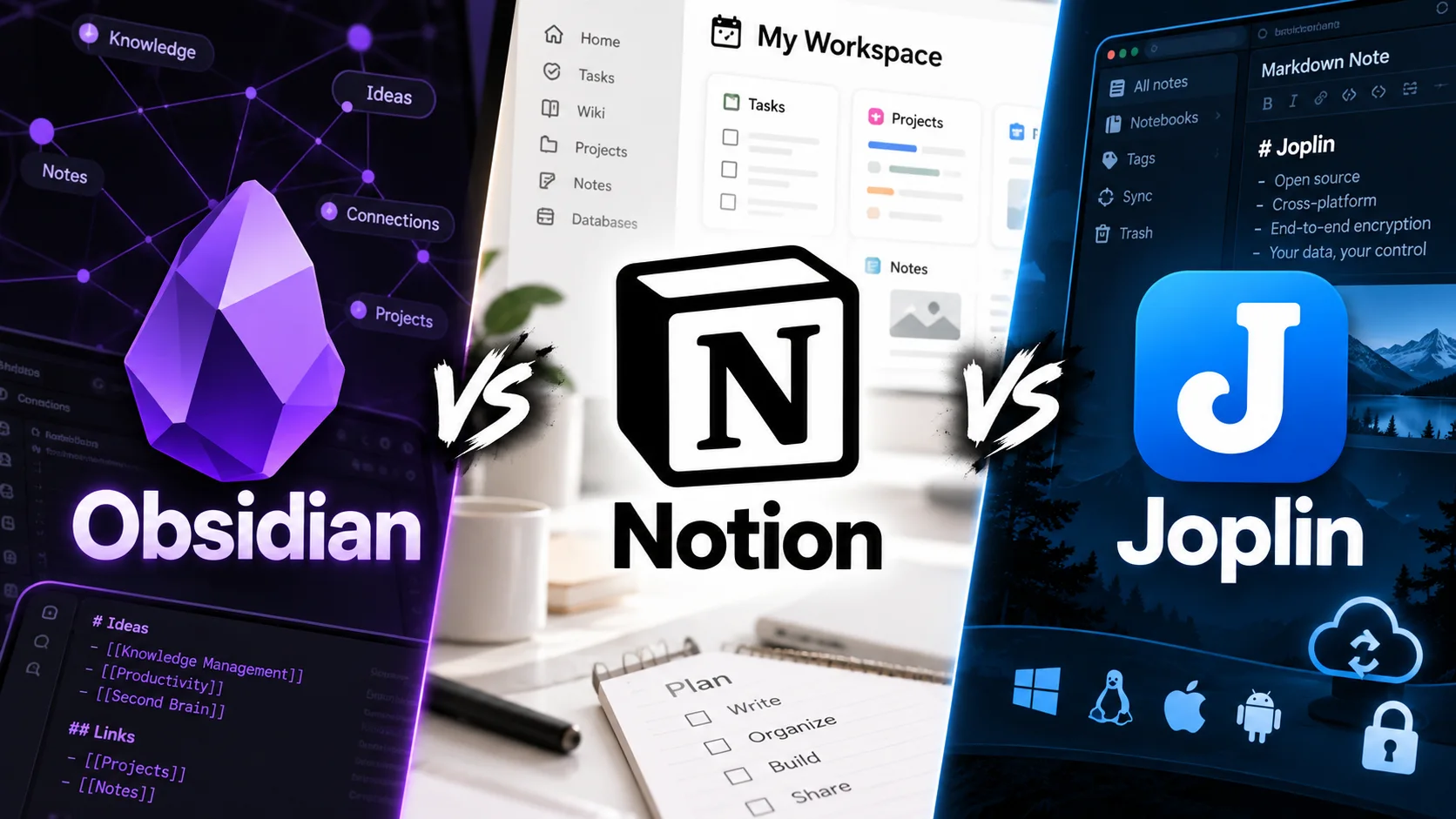
Obsidian vs Notion vs Joplin vs Anytype: Pick a Notes App by Data Model, Not Hype
The best notes app depends on where your data lives, how collaboration works, what offline means, and whether export can rebuild your knowledge base.
-
Chrome Alternatives in 2026: Firefox, Brave, Vivaldi, Edge and Zen Compared
Leaving Chrome is less about finding one universal winner and more about deciding which trade-offs matter: compatibility, privacy, tabs, extensions, or independence.
-
Bitwarden vs 1Password vs Proton Pass: Choosing a Password Manager in 2026
Compare three established password managers by migration, passkeys, recovery, sharing, platform support, and how much control you want over your vault.
-

ChatGPT vs Claude vs Gemini vs Perplexity: How to Choose an AI Assistant in 2026
Four major AI assistants now overlap heavily, but they still differ in research, writing, ecosystem integration, tools, and workflow fit.
-

Local-First vs Cloud-First Apps: A Practical Decision Guide
Discover the core differences between local-first and cloud-first apps, focusing on offline access, collaboration, conflict handling, portability, encryption, and recovery.
-
How to Test an App Export Before You Trust It as a Backup
Learn how to effectively test app exports to ensure they serve as reliable backups for your notes, contacts, or project tools.
-
UnparkDomain: Turn Your Unused Domain Into an AI-Powered Website
Discover how UnparkDomain transforms unused and parked domains into automated AI-powered content websites with scheduled publishing, SEO-focused pages, and monetization potential.
-
Offline Note-Taking Apps: Test Access, Attachments and Backup Before You Commit
A practical trial plan for checking whether an offline notes app keeps your text, files and recovery options usable without a connection.
-

How to Audit Mobile App Permissions Without Breaking Useful Features
A practical iPhone and Android permission audit for location, photos, contacts, microphone and other sensitive access.
-

How to Evaluate an AI Tool Before Adding It to Your Workflow
Discover the essential steps to evaluate an AI tool before integrating it into your workflow. Ensure it meets your needs and enhances productivity.
-

A Practical Framework for Comparing Software Alternatives
Learn how to effectively compare software alternatives with a practical framework that ensures informed decision-making.
-

How to Audit Desktop Apps That Launch at Startup
Learn how to audit and manage desktop applications that launch at startup to improve your computer's performance and efficiency.
-

How to Move to a New App Without Losing Your Data
Switching to a new app can be daunting, but with careful planning, you can ensure a smooth transition without losing your valuable data.
-
Best Free Note-Taking Apps: Joplin, Obsidian, OneNote, and Google Keep
Compare four capable free note-taking apps by storage model, organization, portability, and everyday fit.
-
Top Apps for Editing Photos on Your Phone
Explore the top applications for editing photos on your smartphone, including Google Photos, Apple Photos, Lightroom Mobile, Snapseed, and VSCO. Learn about automatic editing features, RAW support, AI tools, and more.